How to Share Mockups with Clients (Step-by-Step Guide)
In this guide, you’ll learn how to share mockups with clients in a clean, professional, and efficient way.


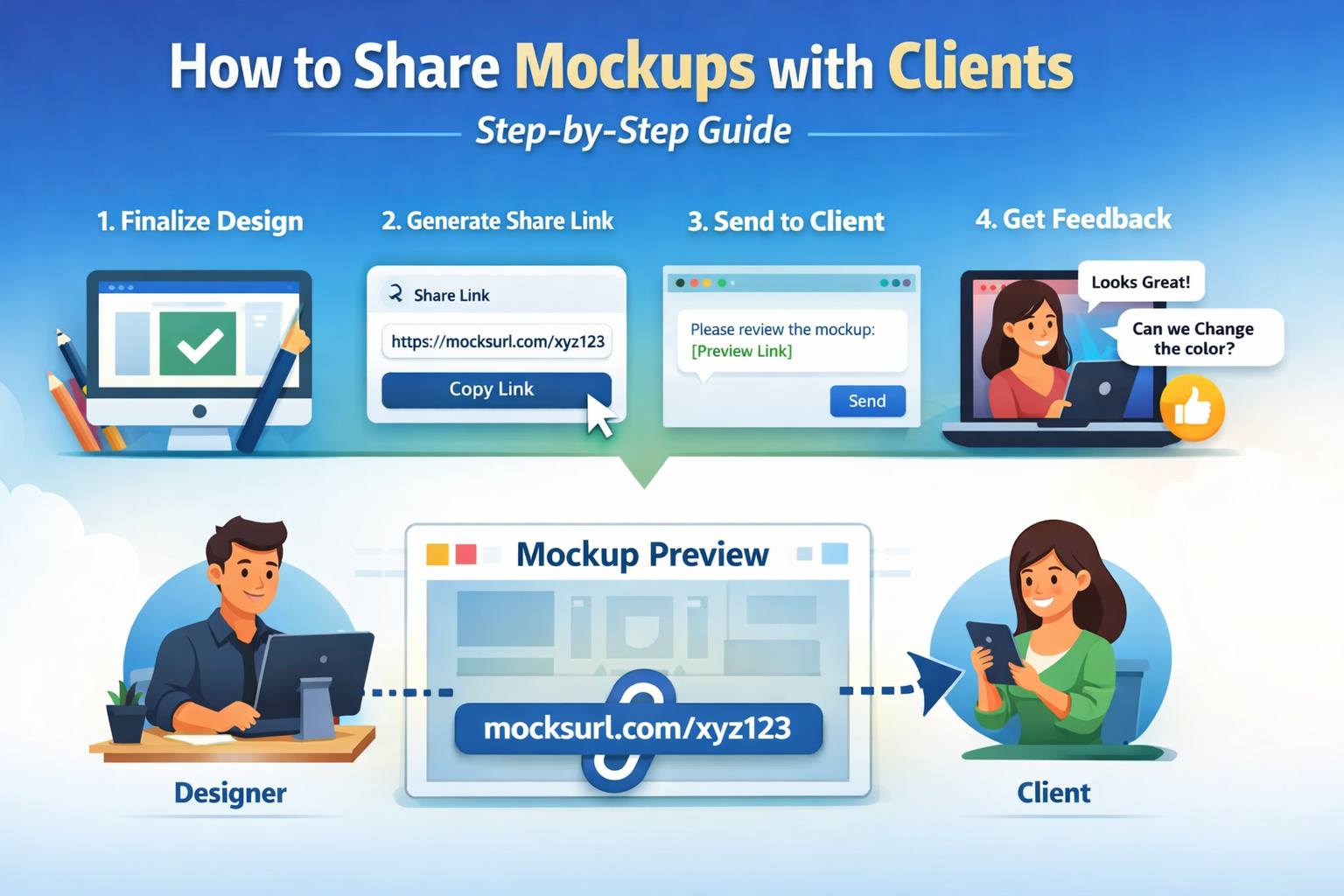
In this guide, you’ll learn how to share mockups with clients in a clean, professional, and efficient way.
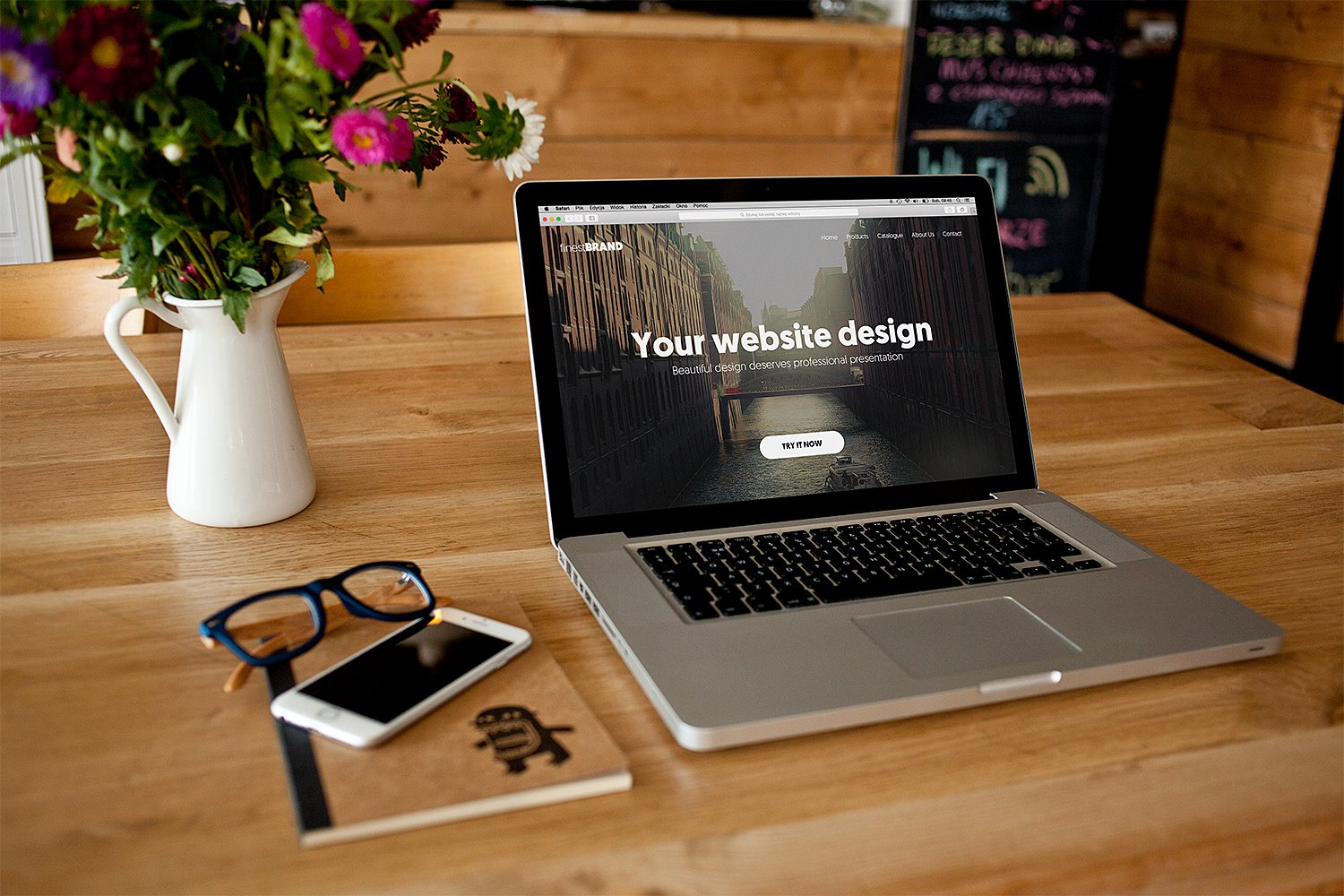
High-quality websites are a must-have for businesses to thrive in today’s world of digital landscape. Conversely, it is easier to overlook how much effort and resources it takes to build one. From jotting down ideas on a notepad to drafting sketch works until the satisfactory outcome, the whole process is distressing, especially when it’s your first time.

In the fast-paced world of digital design, rapid prototyping is key to refining your concepts and delivering exceptional user experiences. With MocksUrl, you gain the ability to seamlessly convert your static mockups into interactive browser links, allowing for dynamic exploration and real-time user testing. This means you can display your mockups in a realistic web environment, complete with interactive elements, transitions, and animations. It's like taking a sneak peek into the future of your website or application. In this article, we will explore various strategies and best practices for utilizing MocksUrl's responsive browser links effectively. We will explore the practical benefits of converting static mockups and how designers and developers can harness the power of MocksUrl for their rapid prototyping needs.

A mockup is a static and high-level depiction of a product, like a website or mobile application. Its primary purpose is to showcase the visual design and functionality of a user interface (UI) prior to coding. Stakeholders and designers benefit from a mockup as it provides a tangible representation of the product's look and feel. It also facilitates communication between designers and developers, ensuring that the project progresses in the right direction.
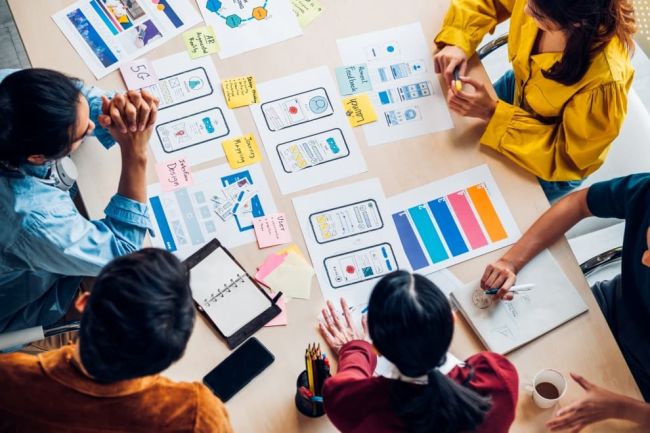
Why Static Design into A Responsive Browser Link Tool is a Must-Have for Digital Agencies
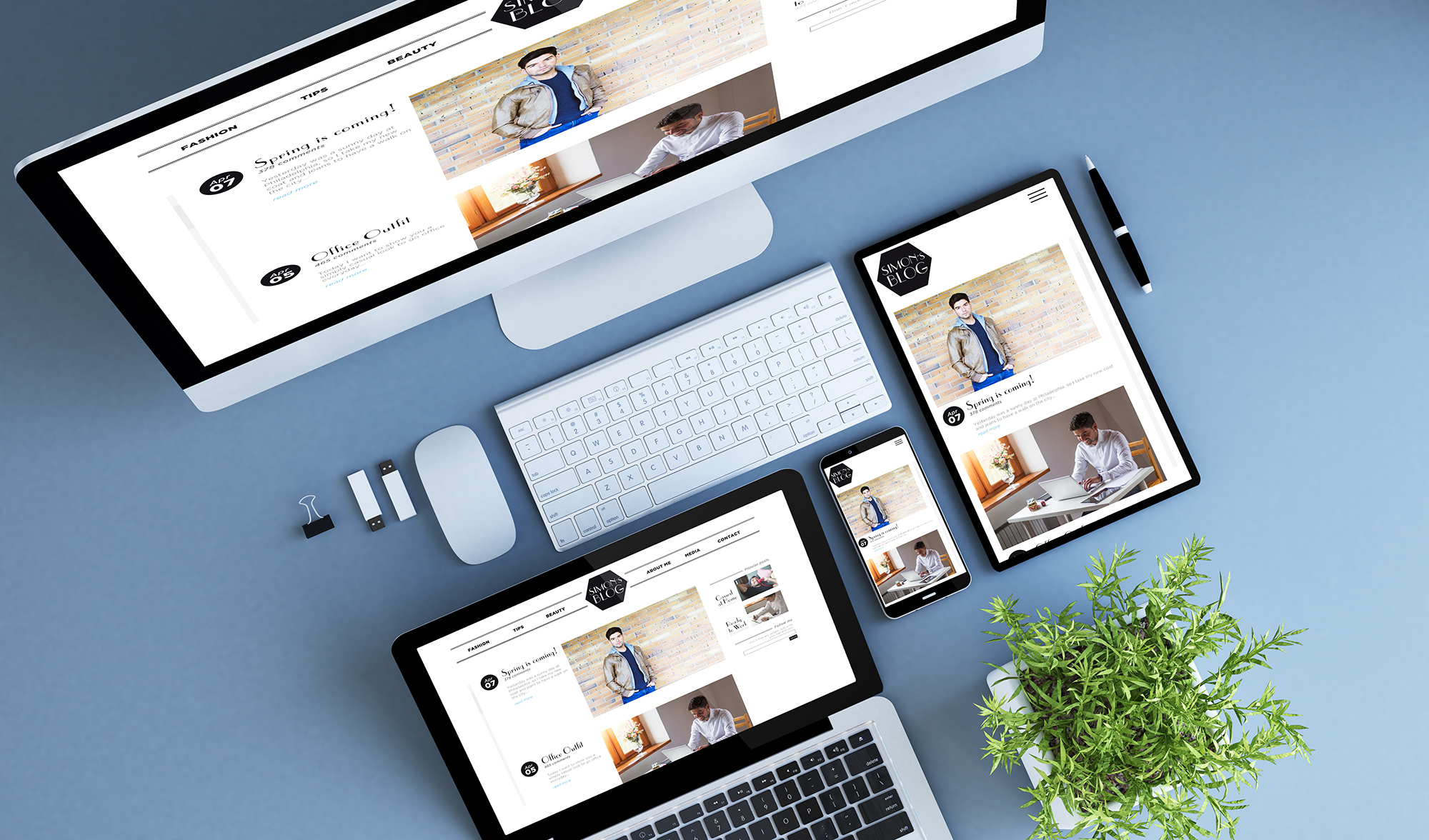
To build a good website, web development is a challenging process that needs careful strategy, design, and implementation. One of the key components of web development involves creating mockups to test and modify the design before development begins. Before writing a single line of code, developers can test the layout, functionality, and usability of a website using mockups, which are visual representations of the website's design.